Approval Workflows (Card Templates)
Card Templates can require approvals before Credentials are issued. You can also route Duo ID approval requests to a delegated Tenant so approvals are handled in a central place.
Who this is for
This page is for administrators who configure approval behavior for Card Templates.
Required roles: System Admin + Production - Create Layouts
To perform the following steps, you need to have the roles listed above.
Where to find approval settings
- Navigate to Templates → Card Templates.
- Open a template and click Edit Card Template.
- Go to the Approvals tab.
Template approvals
The Approvals section controls whether Credentials created from this template must be approved before they can be issued.
- Click Change setting to update the approval configuration.
- When enabled, the UI shows Enforced Approval activated.
Duo ID Approval Routing
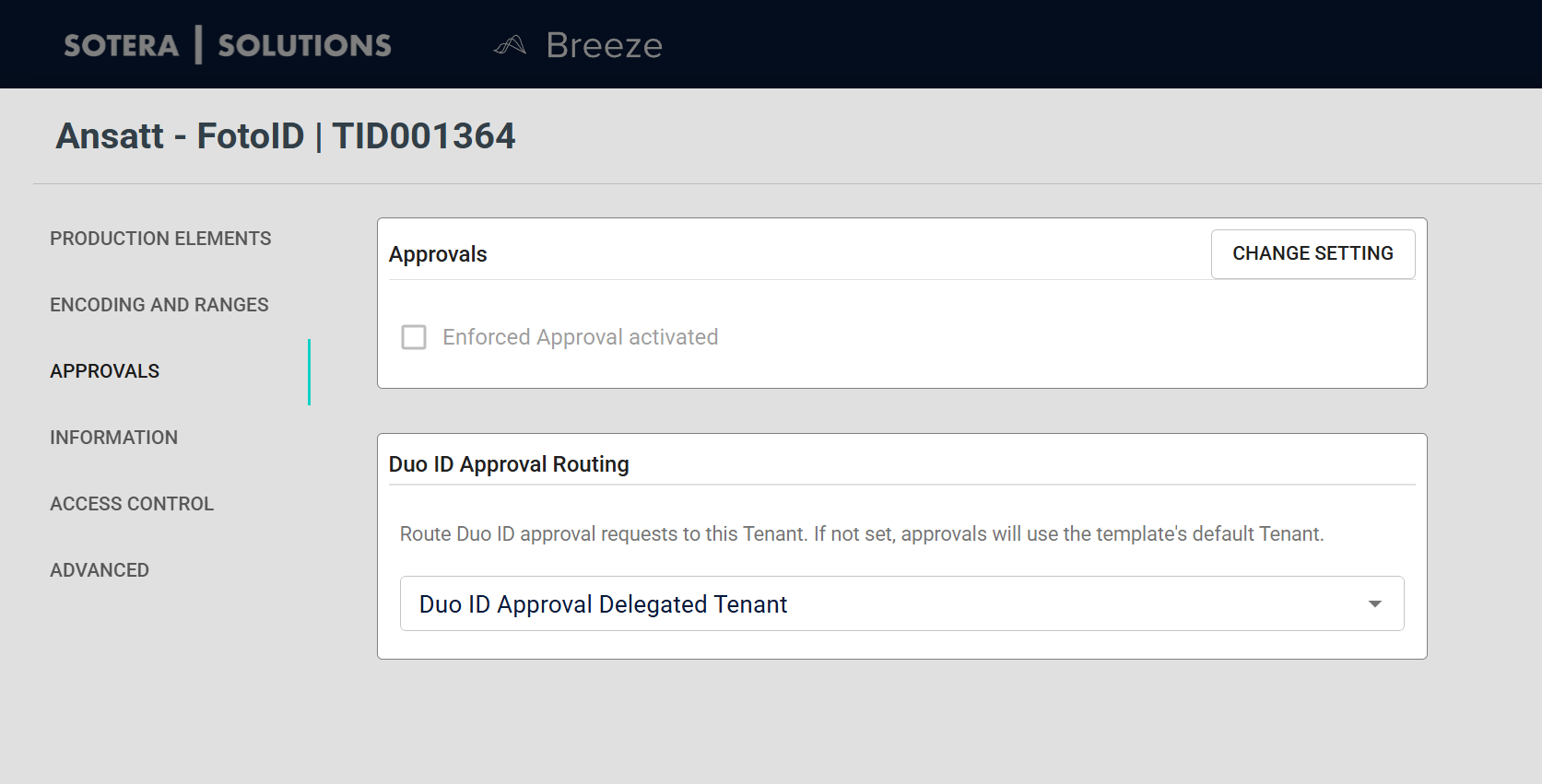
If your template uses Duo ID, you can delegate Duo ID approvals to a specific Tenant. This is useful when you want one Tenant (for example, “Central approvals”) to handle approvals for multiple Tenants.
Configure the delegated Tenant
- In the Production elements tab, set Duo ID to Enabled.
- Go to Approvals.
- In Duo ID Approval Routing, select a Tenant in Duo ID Approval Delegated Tenant.
- Click Save.
What happens after you enable routing
- When a Duo ID request is submitted for a Credential created from this template, Breeze routes the approval request to the delegated Tenant.
- Approvers review the request from the delegated Tenant’s Duo ID requests queue.
Disabled behavior
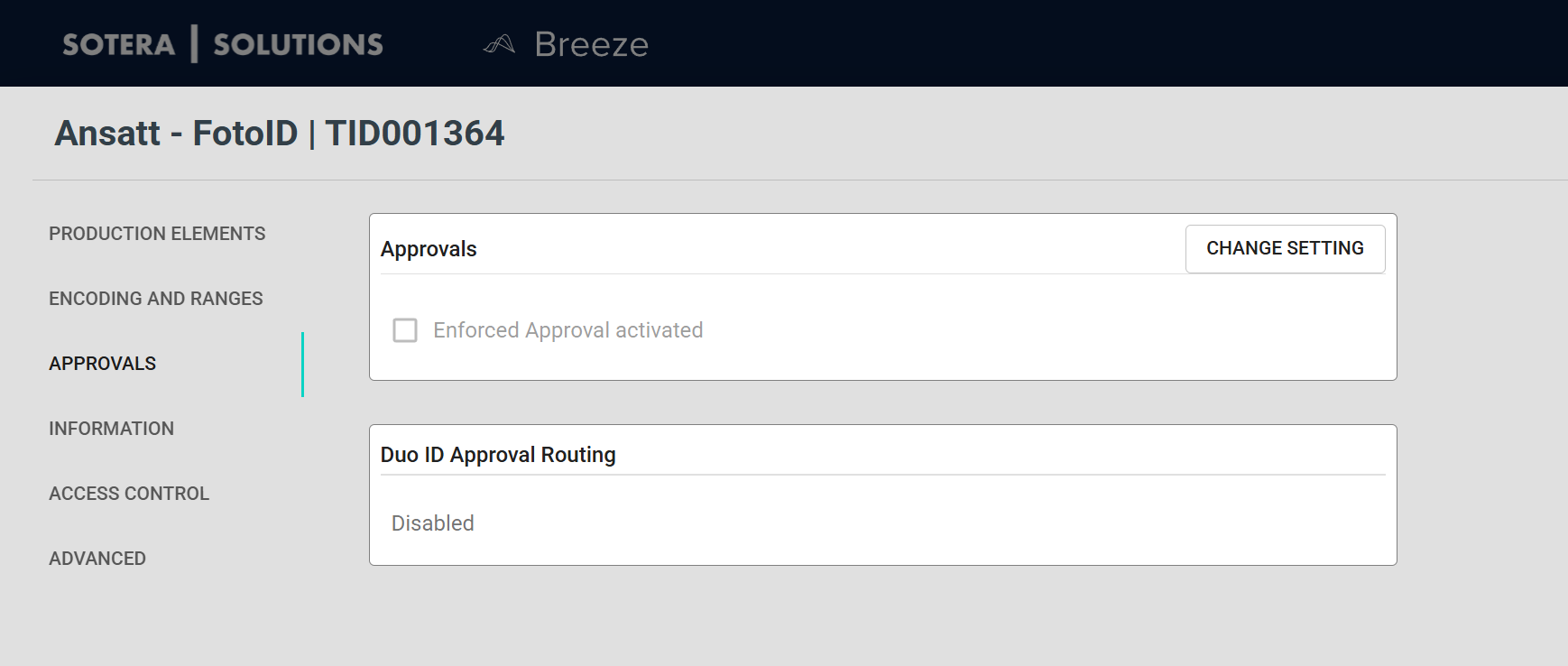
If Duo ID is disabled on the template, the Duo ID Approval Routing section still appears, but shows a Disabled indicator and the dropdown is hidden.
Routing is applied when the Duo ID request is submitted. Changing the delegated Tenant later does not move already-submitted requests.
Who can approve Duo ID requests
To approve Duo ID requests in a Tenant, a user typically needs:
- A base admin role (for example:
Administrator) and - The task role
Approver
For how operators work through the queue — including batch photo verification — see Handling Duo ID Requests.