Home Dashboard
When you sign in to Breeze, you land on the Home Dashboard. It shows you pending work, recent activity, and shortcuts to common tasks — all in one place. No setup is needed; the dashboard is your starting point every time you sign in.
Widgets show information relevant to your role. If a widget is not visible, it may not apply to your current permissions.
What's on the dashboard
The Home Dashboard is made up of several widgets, each focused on a specific area.
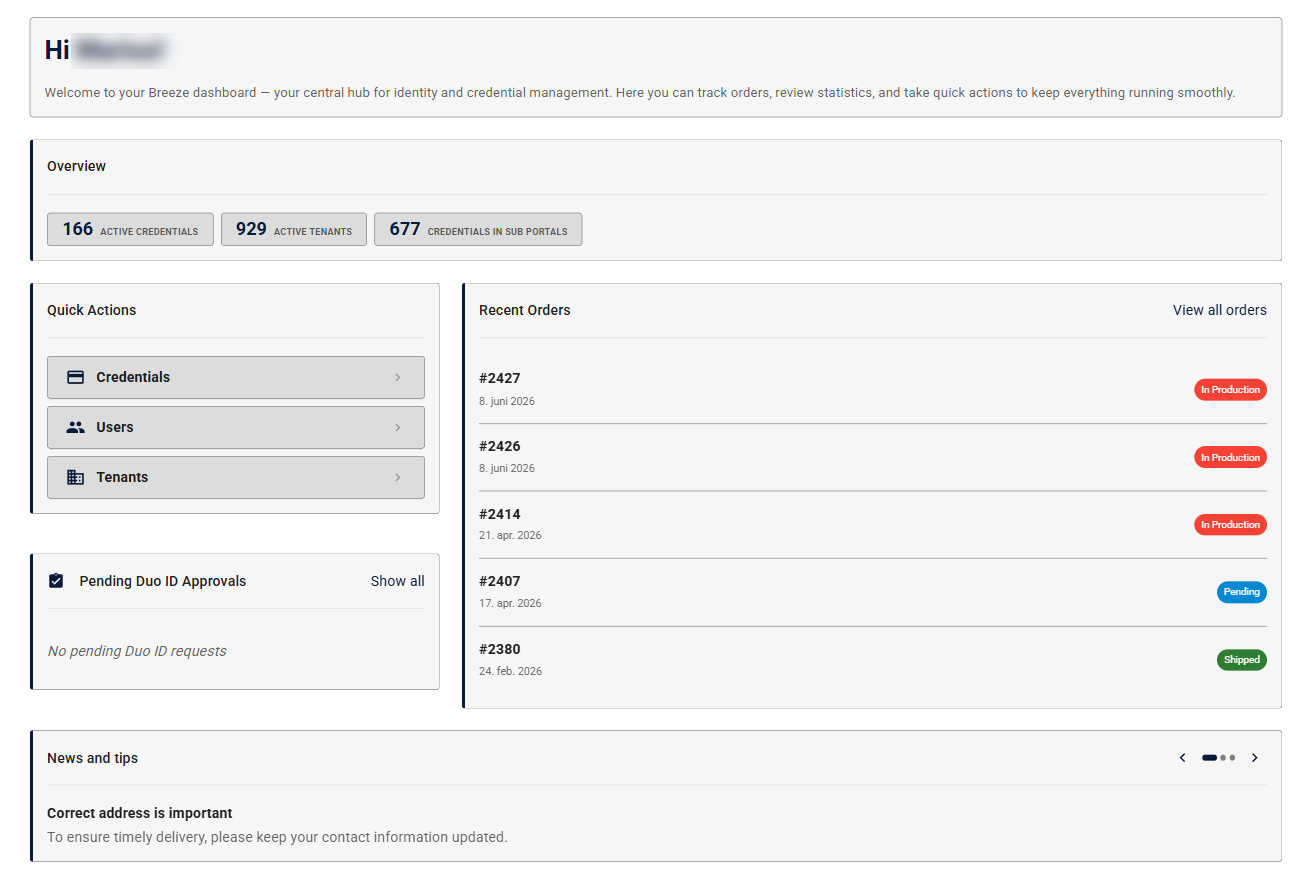
| Widget | What it shows |
|---|---|
| Welcome message | Greets you by name |
| Pending Approvals | Credential requests waiting for your review |
| Duo ID Reminders | Pending Duo ID verification requests that need your attention |
| Quick Actions | Shortcuts to common tasks |
| Recent Orders | A summary of the most recent orders in your Tenant |
| Statistics | At-a-glance counts and summaries relevant to your Tenant |
| Tips | Helpful guidance and announcements from Breeze |
Duo ID Reminders
If you have a pending Duo ID verification, the Duo ID Reminders widget prompts you to complete it. Click the widget to go to the verification flow.

Quick Actions
The Quick Actions widget puts the most common tasks one click away from the home screen. From here you can start an order, manage users, and more — without navigating through menus.

Works on all devices
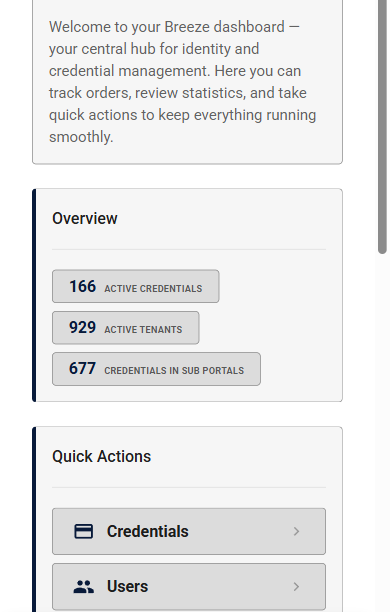
The dashboard adapts to your screen size. Whether you're on a desktop, tablet, or phone, you see the same widgets in a layout that fits your screen.
What's next?
- Credential Management — create, manage, and track Credentials
- User Administration — manage users, roles, and permissions